
If the M3 Electronic Wind Instrument exhibits self-oscillation (self-chirping), you can follow these steps to address the issue:
Adjust the Blowing Force: Turn the function knob to find the blowing force setting and decrease the value. The manual specifies that the value should not exceed 60. If it's already below 60 and the issue persists, it might be necessary to wait for the saliva to dry, as moisture can sometimes cause unwanted sounds.
Check for Obstructions: Ensure that there are no obstructions in the mouthpiece or any of the keys that could be causing the instrument to produce unwanted sounds.
Inspect the Semi-tone Keys: Make sure that the semi-tone keys are not touching each other, which could cause the instrument to play notes unintentionally.
Dry the Instrument: If moisture is suspected to be the cause, dry the instrument thoroughly, especially the mouthpiece area, as excessive moisture can lead to self-oscillation.
Check the Settings: Sometimes, incorrect settings can lead to self-chirping. Review the settings, especially those related to the tone and volume, and adjust them as needed.
Reset to Factory Settings: If the self-chirping continues, you might need to reset the instrument to its factory settings. This can usually be done by pressing and holding a specific combination of keys, often the function key and another key simultaneously.
Contact Technical Support: If none of the above steps resolve the issue, it may be a more complex problem that requires professional assistance. Reach out to Sunrise Melody's technical support for further guidance.
By following these steps, you should be able to mitigate or resolve the self-chirping issue with your M3 Electronic Wind Instrument.
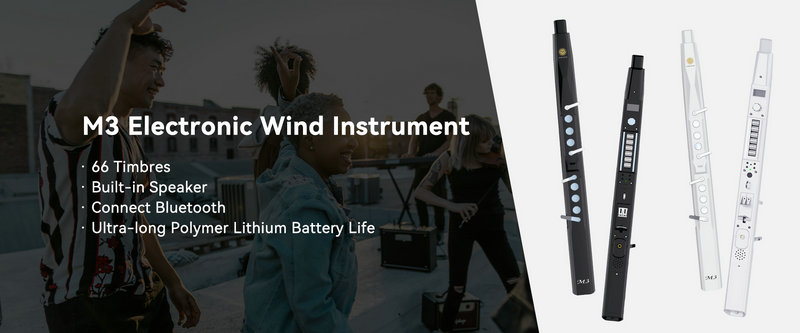
SUNRISE MELODY M3 Electronic Wind Instrument - The best-selling Electronic Wind Instrument
. 66 Timbres
. Built-in Speaker
. Connect Bluetooth
. Ultra-long Polymer Lithium Battery Life